Tested 10 October 2026. Google: published form, attachment and saved response verified. Tally: published submission, stored attachment, required fields and size rejection verified. This is a bounded intake test, not an exhaustive product review.
The useful difference
Google Forms: account required for uploads
We submitted a small dummy brief and found the saved response in the editor. Adding an upload question displayed a Google sign-in requirement. Google confirms the requirement.
Practical choice: if clients already use Google and are comfortable signing in, test the existing tool before switching.
Tally: small uploads, with a free size ceiling
The published free form accepted our small file and rejected an 11 MiB file. Tally documents account-free respondent uploads and a 10 MB free per-file limit. We have not yet verified a live account-free submission.
Practical choice: investigate Tally when Google sign-in is a dealbreaker; check the real client file sizes first.
What actually happened
| Check | Google Forms | Tally |
|---|
| Small dummy attachment | Attached, submitted; 1 saved response confirmed | Published submission and saved attachment confirmed |
| 11 MiB attachment | Rejected at our selected 10 MB setting | Rejected by published free form at 10 MB |
| Google login for uploads | Required: editor warning + official documentation | No respondent account required per docs; independent logged-out test pending |
| Required answer omitted | Required-question error observed | Blank submission blocked; answer and file both required |
| Export / automation | Not tested | Not tested |
One synthetic scenario, an 83-byte text file and an 11,534,336-byte file. Google’s 10 MB setting is configurable: its editor showed larger options, which were not upload-tested. Both forms blocked a blank required answer; Tally also showed an explicit missing-file error. No timing, conversion or customer-demand claim.
Actual test screens
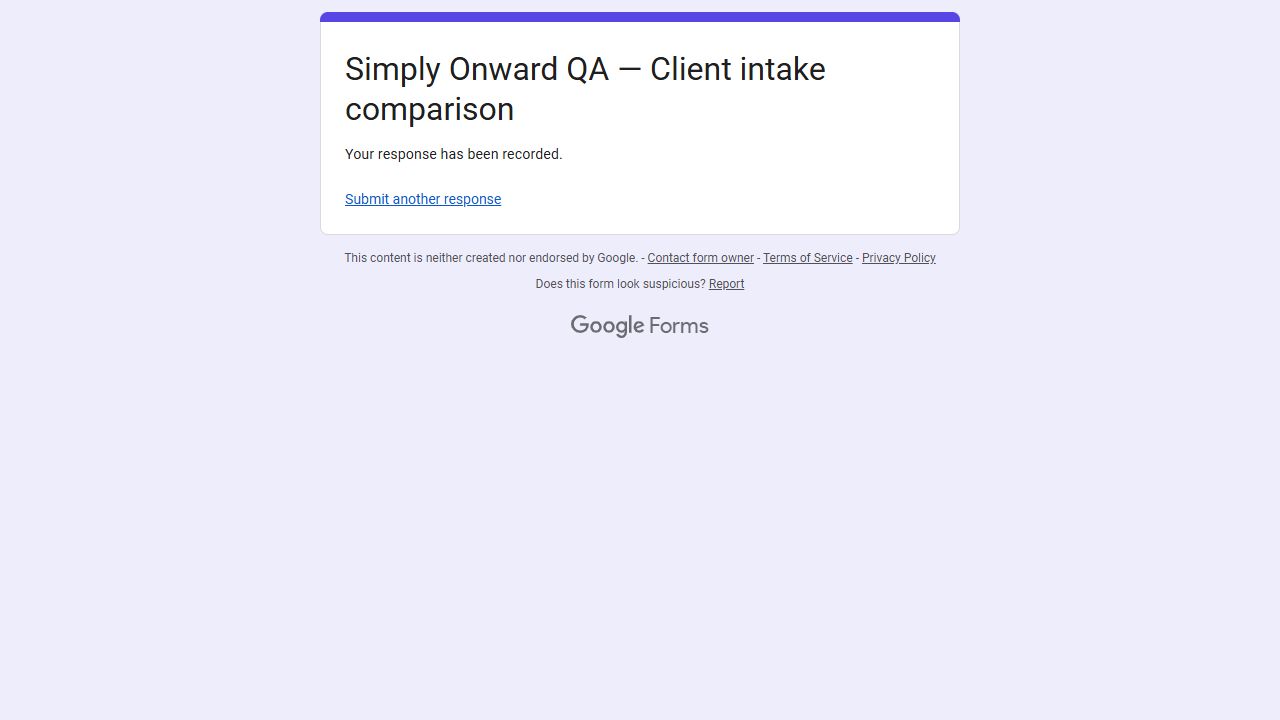 Google: submitted; editor separately showed 1 stored response and the attached file.
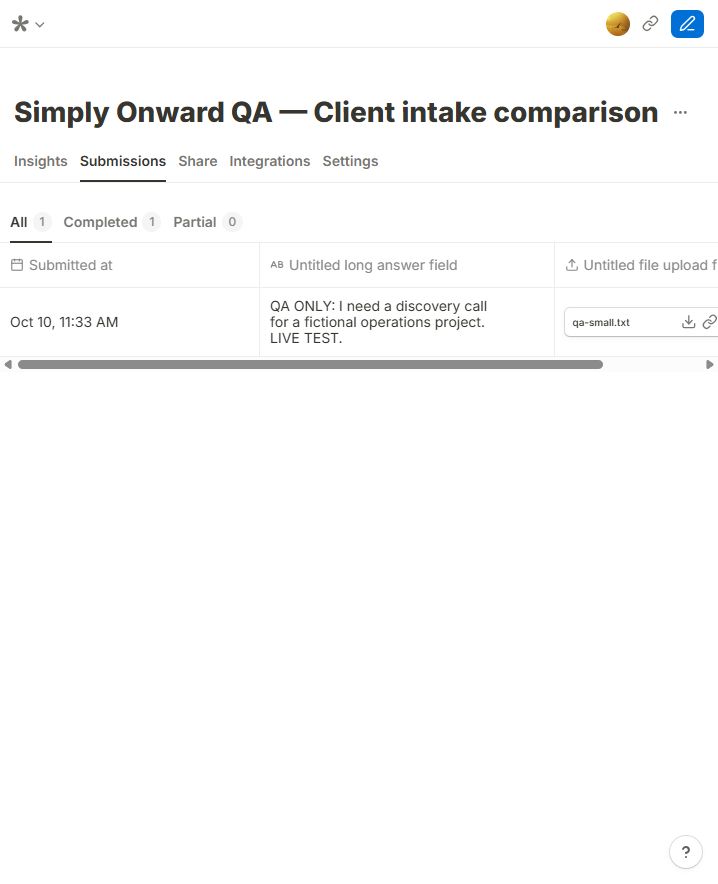 Tally: one completed synthetic response with the attached qa-small.txt file.
Before you send your own form
- Decide whether a file is really needed at inquiry stage. A description may be enough to start.
- If a file is needed, test with the actual size and type clients send.
- Test without your creator session; do not assume a successful owner test proves public access.
- Submit once and verify the answer and file arrived in the destination.
See the Instagram summary